Ultra-wide monitors provide expanded screen real estate for WoW gameplay. Proper UI optimization takes full advantage of this additional space. This guide configures WoW for ultra-wide displays.
Ultra-Wide Benefits
Ultra-wide monitors display more game world without obstruction. Peripheral vision reveals mechanics earlier than standard displays. Competitive players gain genuine advantage from extra visibility.
Additional space enables better information organization. Raid frames, cooldowns, and damage meters can spread across screen. Cluttered standard UIs become organized ultra-wide layouts.
UI Elements Placement
- Raid Frames: Left or right edge of screen
- Damage Meters: Opposite edge from raid frames
- Player Frame: Center-left or center-right
- Action Bars: Bottom center, standard position
- Cooldown Trackers: Near player frame
- Boss Timers: Top center, unobtrusive
Resolution Settings
| Monitor Size | Resolution | UI Scale | Recommended Layout |
|---|---|---|---|
| 29 inch | 2560×1080 | 0.85-0.90 | Standard extended |
| 34 inch | 3440×1440 | 0.80-0.85 | Full spread |
| 38 inch | 3840×1600 | 0.75-0.80 | Maximum spread |
| 49 inch | 5120×1440 | 0.70-0.75 | Dual monitor sim |
Addon Recommendations
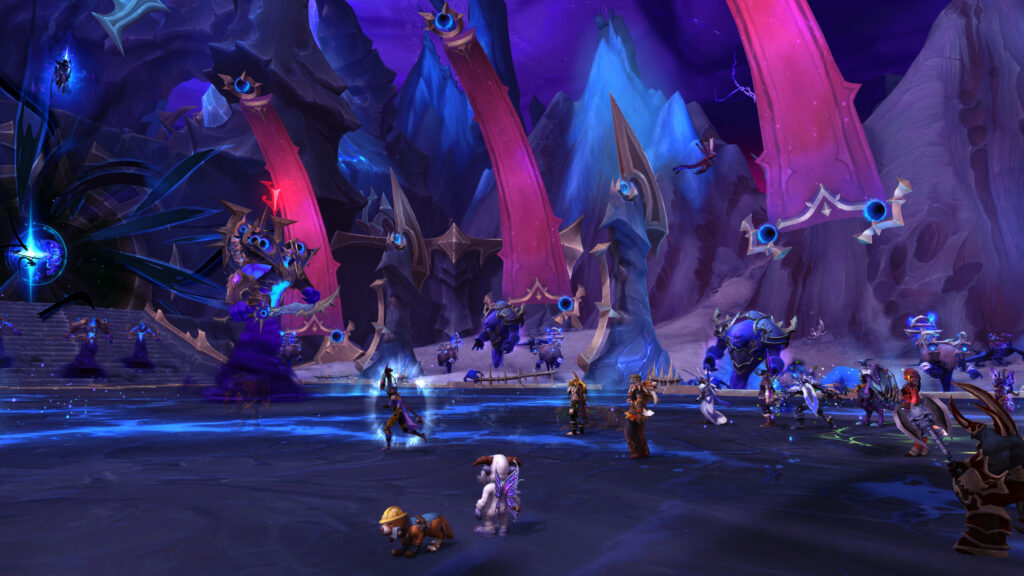
ElvUI provides best ultra-wide support among UI replacements. Custom layouts take full advantage of screen space. Pre-configured ultra-wide profiles available from community.
Test UI configuration in actual raid content before progression. Ensure all critical information remains visible during combat. Adjust based on personal comfort and visibility needs.